Guide

How to Scan Film for Fine Art

Fine art film scanning is not simply about getting the highest resolution. It is about producing a digital file that preserves the character of the original while remaining strong enough for serious printing, careful editing, exhibition work and long-term archive use. The right workflow depends on the film itself, the desired print, and the level of tonal and colour control required.
A practical guide to scanning film for fine art output, from capture strategy and scanner choice to tonal integrity, print intent and safe handling.
9 min read
Updated 2026
Scan Hub Lab
In this article
  • Fine art scanning is defined by output quality, not by resolution alone.
  • The intended print size, viewing distance and tonal goals should guide the scan.
  • Different film originals require different scanning paths.
  • Drum and virtual drum workflows each have strengths depending on the material.
  • Handling, colour management and operator judgment matter as much as hardware.
  • A well-planned master scan creates a stronger foundation for printing, retouching and archive use.
single_article_page_hero_section_image_alt
Fine art scanning
A fine art scan is made for the final image, not for the spec sheet
When film is scanned for fine art, the goal is not merely to digitise it. The goal is to produce a file that can carry the image convincingly into its next form, whether that means exhibition printing, portfolio production, publication, sale, archival preservation or detailed post-production.


That requires a different mindset from routine scanning.


A fine art scan should preserve not only visible detail, but also the structure of tone, the separation of values, the shape of grain, the colour relationships within the original and the overall visual character that made the image worth keeping in the first place.


In practice, that means the scanning workflow should respond to:


  • the film format,
  • the density range of the original,
  • the physical condition of the film,
  • the intended print size,
  • the required editing latitude,
  • and the visual priorities of the photographer, artist, curator or printer.


This is why fine art scanning is never just a question of maximum dpi. It is a question of what kind of file the image actually needs.
Before capture
Start with the intended output, not the scanner
The best fine art scan begins with a clear idea of where the file is going next. A scan meant for a modest print, a museum wall print, a collector’s edition, a publication layout or a preservation master does not always require the same balance of resolution, tonal emphasis and retouching tolerance.

Before scanning begins, it is useful to define:

  • whether the scan is primarily for print, archive or editing,
  • the approximate print size,
  • whether the print will be viewed closely or at distance,
  • whether the image needs extensive retouching,
  • whether grain should appear crisp, gentle or restrained,
  • and whether the objective is interpretive printing or faithful preservation of the original.

These choices affect scanner selection, capture settings, file size expectations and the amount of post-scan work that makes sense.

Fine art scanning becomes more consistent when the file is built around the final use from the beginning.
Scanner choice
The best scanner is the one that suits the film and the print objective
In fine art work, scanner choice should follow the material rather than abstract rankings. Different scanners behave differently with film flatness, dense shadows, highlight transitions, grain rendering, speed, format flexibility and handling risk.

This matters because two scanners may both produce excellent files while still leading to visibly different results in print.

A strong fine art workflow usually evaluates:

  • how much tonal separation the film contains,
  • how much enlargement potential is realistically needed,
  • whether the film is flat, curled, fragile or repaired,
  • whether colour subtlety or shadow extraction is the main priority,
  • and how much intervention the original can safely tolerate.

For some originals, drum scanning offers the strongest path for maximum tonal depth, shadow clarity and enlargement potential. For others, a high-end virtual drum workflow may offer the better balance of quality, safety and efficiency. In certain reflective or archive-oriented cases, a carefully managed flatbed path may also be appropriate.

The important point is that scanner selection should be based on image needs and handling logic, not on marketing assumptions.
Resolution
Resolution matters, but only in relation to the print
One of the most common mistakes in fine art scanning is to treat resolution as an isolated measure of quality. In reality, useful resolution depends on the size of the original, the intended print dimensions, the structure of the image and the kind of viewing the print will receive.

A small-format negative intended for a large exhibition print may justify a very demanding scan. A larger original intended for a restrained print may not need the same capture intensity.

What matters is not simply how many pixels are produced, but whether the scan contains enough real image information to support:

  • the intended print size,
  • the desired viewing distance,
  • clean tonal transitions,
  • convincing local detail,
  • and stable post-processing without the file breaking apart.


In fine art practice, overscanning is not always harmful, but it does not automatically improve the image. A larger file is only better when it carries additional useful information from the original.

Tone
Tonal separation is often more important than apparent sharpness
Many fine art prints succeed not because they look aggressively sharp, but because the tonal relationships inside the image feel open, controlled and believable. This is especially true for images with subtle shadow structure, long highlight transitions, low-contrast atmospheres or delicate colour movement.

A good fine art scan should preserve:

  • shadow information without collapse,
  • highlight detail without harsh clipping,
  • smooth transitions through midtones,
  • local separation where similar values sit close together,
  • and enough depth for careful print interpretation later.

This is one reason why experienced operators often value scanner behaviour and tonal discipline as much as nominal resolution. A file that prints gracefully is often more valuable than one that looks superficially impressive at 100 percent magnification.
Colour and neutrality
Colour decisions should support the print, not overpower the original
In colour film scanning for fine art, the objective is rarely to force the image into a generic look. A better goal is to preserve the original’s internal colour logic while producing a file that remains stable and usable in a colour-managed printing workflow.

This includes attention to:

  • neutral balance where neutrality is intended,
  • controlled treatment of colour casts,
  • subtle separation in low-saturation areas,
  • smooth rendering of skin, skies and shadow colour,
  • and consistency between scan, proof and final print.

With black and white film, the issue is different but equally important. A strong scan should preserve tonal neutrality where needed, while also allowing deliberate interpretation in printing. Poor scanning can flatten black and white originals or create brittle contrast that becomes difficult to correct later.

For fine art purposes, colour management is not an optional finishing step. It is part of the foundation of the scan.
Grain and detail
Fine art scanning should describe grain, not exaggerate it
Grain is part of the visual language of film. In fine art work, it should neither be smeared away nor sharpened into something artificial. The scan should render grain with enough clarity that it feels natural to the original and remains convincing in print.

This is particularly important when:

  • small-format film is enlarged substantially,
  • the image depends on texture,
  • the print is intended for close viewing,
  • or the photographer wants the material quality of the film to remain visible.

A poor workflow may confuse grain with noise, flatten micro-contrast or create a brittle edge effect that looks digital rather than photographic. A better workflow preserves the structure of the emulsion while keeping the image coherent at print scale.
Handling and condition
A fine art scan should protect the original as well as the image
Fine art film is often irreplaceable. In some cases it is historically important, financially valuable, emotionally significant or physically unstable. For that reason, the quality of a scanning service cannot be judged only by the resulting file. It must also be judged by how safely the original is handled.

Before scanning, the physical condition of the film should be reviewed for:

  • dust and surface contamination,
  • scratches and abrasion,
  • curl or warping,
  • brittleness,
  • damaged perforations,
  • tape repairs,
  • unstable sleeves,
  • and any signs of age-related vulnerability.

This assessment affects not only preparation, but also scanner choice and handling sequence. The technically strongest scanner is not always the correct option if the path to mounting or capture introduces unnecessary risk.

In fine art scanning, preservation logic and image quality should work together.
Master file strategy
Build a file that remains useful beyond one immediate task
A serious fine art scan is usually most valuable when it functions as a strong master file. That means the scan should be capable of supporting more than one immediate output.

A well-prepared master file can serve as the basis for:

  • exhibition printing,
  • portfolio prints,
  • publication reproduction,
  • retouching and restoration,
  • crop variations,
  • future re-interpretation,
  • and long-term digital archiving.

This does not mean every scan must be excessive. It means the file should be created with enough care, depth and consistency that it does not need to be rebuilt every time the image is used differently in the future.

Where the original allows it, investing in a stronger master scan often reduces limitations later.
Operator judgment
Fine art scanning is not fully defined by equipment
The scanner matters. Calibration matters. Workflow matters. But in fine art practice, operator judgment matters just as much.

Two labs can scan the same frame on excellent equipment and still produce files that behave differently in print. The difference often comes from decisions made before and during capture:

  • how the image is evaluated,
  • how the film is mounted,
  • how exposure and tonal emphasis are balanced,
  • how colour is interpreted,
  • how much correction is applied,
  • and whether the operator understands the final purpose of the file.

Fine art scanning is therefore best treated as a collaborative technical process rather than an automated commodity service. The strongest results usually come when the lab understands both the original and the photographer’s intention.
Print intent
Scanning for screen viewing is not the same as scanning for exhibition print
Images that look convincing on a monitor do not always print convincingly at scale. Screen viewing can hide weaknesses that become obvious on paper, especially in shadows, highlight transitions, micro-contrast and colour relationships.

When a scan is intended for fine art printing, the file should be built with print behaviour in mind:

  • tones should remain stable on paper,
  • detail should support the chosen print size,
  • colour should translate predictably in a managed workflow,
  • and the image should tolerate the final print interpretation without breaking down.

This is one reason why print-oriented labs often produce stronger fine art scan files than workflows focused only on digital delivery. The print reveals whether the scan was truly sufficient.
Practical criteria
What matters most when scanning film for fine art
If the purpose of the scan is serious print output, the most useful questions are usually not “What is the highest dpi?” but rather:

  • Will this scan hold together at the intended print size?
  • Does it preserve meaningful tonal information?
  • Is the grain rendered naturally?
  • Can the file support retouching and print interpretation?
  • Was the original handled safely?
  • Is the workflow colour-managed and consistent?
  • Was the scanner selected for this film, or simply used by default?

These questions lead to better decisions than resolution numbers alone.
Quick guide
Fine art scanning priorities at a glance
Table:
Situation Main concern Recommended approach
Small-format film for large print Real enlargement potential Use a high-quality scanning path that preserves tonal depth and grain structure
Dense transparency with critical shadows Shadow separation and highlight control Choose a workflow known for strong tonal extraction rather than speed alone
Curled, fragile or ageing film Safe handling of the original Prioritise the least risky handling path and match scanner choice accordingly
Film intended for exhibition printing Print behaviour and editing latitude Build a robust master scan with controlled tone and colour
Mixed batch with different goals Inconsistent results across files Define output priorities before scanning and separate archive, proof and print needs
Important note
Fine art scanning is not always maximum scanning
More is not automatically better. A larger file, stronger sharpening or more aggressive extraction can move the scan away from the character of the original just as easily as an insufficient workflow can leave information behind.

The best fine art scan is usually the one that achieves the right balance between:

  • fidelity to the film,
  • usefulness in print,
  • editing latitude,
  • and safety of the original.

That balance changes from one image to another.
Before you order
Common questions about scanning film for fine art
Question:
Do I always need drum scanning for fine art prints?
Answer:
No. Drum scanning can be the right choice for certain originals, especially where maximum tonal depth, shadow separation and enlargement potential are required. But it is not automatically the best choice for every film. Condition, format, intended print size and handling risk all matter.

Question:
Is the highest possible resolution always best for fine art?
Answer:
Not necessarily. The best resolution is the one that captures the real information present in the film and supports the intended print. Beyond that point, larger files do not automatically produce better prints.

Question:
Can a scan for screen use also be used for exhibition printing?
Answer:
Sometimes, but not always. Files prepared only for screen delivery may not provide enough tonal stability, retouching latitude or print-scale integrity for serious fine art output.

Question:
Does film condition affect the final print quality?
Answer:
Yes. Dust, scratches, curl, poor sleeves and physical instability can all affect both the safety of the original and the quality of the scan. Condition also influences which scanner path is most appropriate.

Question:
What should I tell the lab before ordering a fine art scan?
Answer:
The most useful information includes film format, number of originals, physical condition, intended print size, whether retouching is expected, and whether the goal is archive preservation, exhibition printing or both.
How we work
At Scan Hub, fine art scanning begins with the image, the film and the intended print
At Scan Hub, we do not treat fine art scanning as a generic preset service. We begin by evaluating the original itself: its format, condition, density characteristics, handling requirements and intended output.

From there, we choose the scanning path that makes the most sense for the material and the final purpose of the file.

This approach helps us create files that are:

  • safer for valuable originals,
  • stronger in tonal structure,
  • more reliable for serious printing,
  • and more useful as long-term master scans.

Because we work across multiple high-end scanners within one calibrated environment, clients can approach scanner choice more objectively. The goal is not to force every original into one workflow, but to match the workflow to the original.
Related equipment
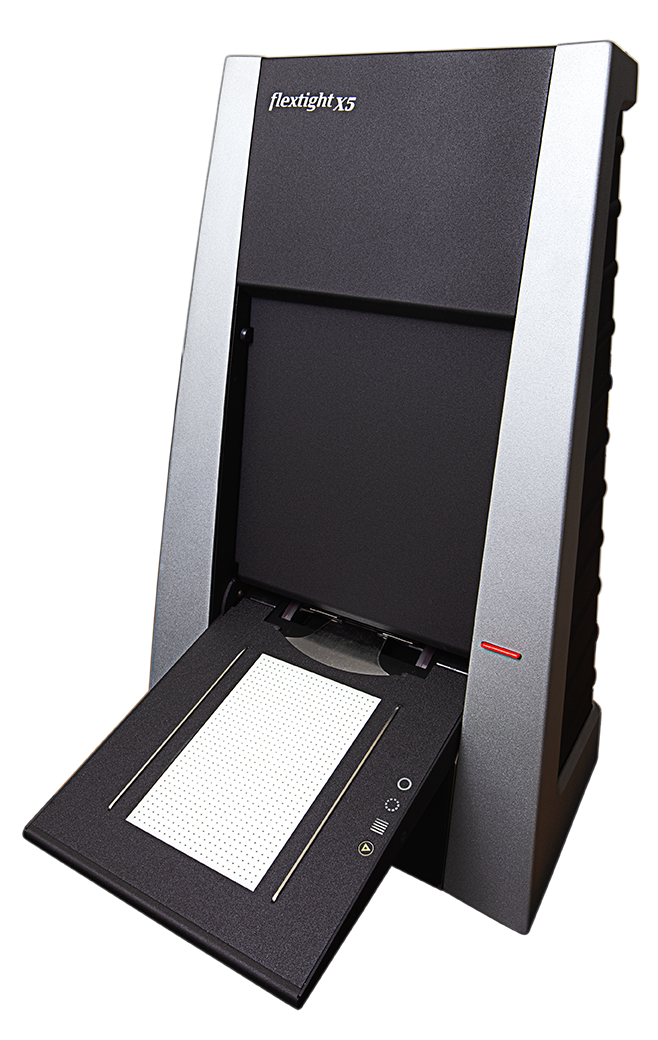
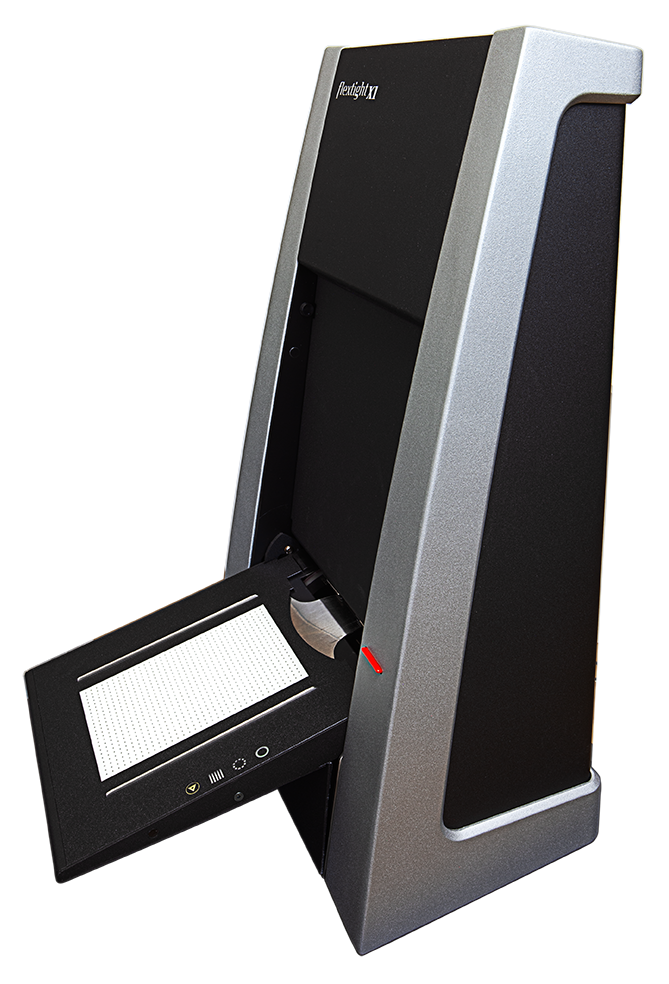
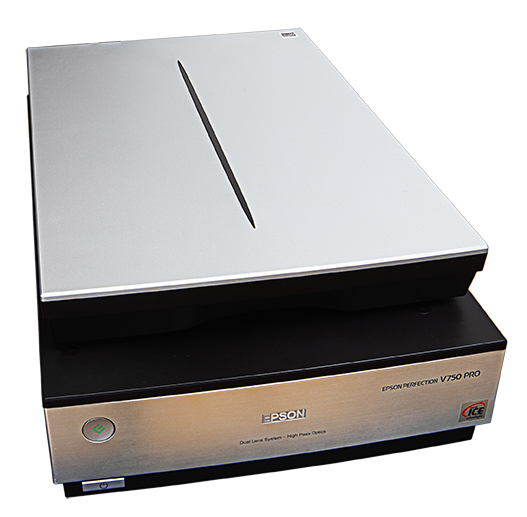
Different film condition and output goals may require different scanning paths
Not every film original should be handled in the same way. The scanner and workflow should be matched to both the condition of the material and the intended output.
Related articles
Further reading on scan preparation and workflow decisions
Explore related guides on resolution, scanner choice and film condition to plan a safer and more effective scanning workflow before the original reaches the scanner.

Not sure how your film should be scanned for fine art output?

Tell us about the film, the intended print and the level of quality you need. We can recommend the most suitable scanning workflow before the project begins.


  • Film format
  • Number of frames, strips or sheets
  • Condition of the original
  • Intended print size
  • Archive, editing or exhibition goal