Print

What Resolution Is Enough for Print?

The right scan resolution for print is determined by the final print size, the target print workflow and the real detail present in the original. In practice, we begin with the intended print, calculate the file dimensions it requires, and then determine how demanding the scan needs to be.

A practical guide to file size, scan resolution and real enlargement potential for photographic printing.


  • 8 min read
  • Updated 2026
  • Scan Hub Lab
In this article
  • Print size and target print PPI define the required file dimensions.
  • The scan must provide enough real pixels for that final file.
  • Small originals require higher scan PPI for the same print size.
  • Many Canon and HP workflows are prepared around 300 PPI.
  • Many Epson workflows are prepared around 360 PPI, and sometimes 720 PPI.
  • The original still sets the upper limit on useful detail.
single_article_page_hero_section_image_alt
Print planning
Start with the print, not with the scanner

When preparing a scan for print, the first question is not how high the scanner can go. The first question is how large the print will be, and how many pixels the final file must contain.

That means the workflow begins with:

  • final print size,
  • target print PPI,
  • viewing distance,
  • and the type of original.

Only after this can the scan be specified correctly.
Only after this can the scan be specified correctly.
File dimensions
Calculate the file the print actually needs
The required file dimensions are calculated from the print size and the target print PPI.
required pixels = (print size in inches) x (target print PPI)


This is calculated separately for width and height.
 
Example:


A 20 x 24 inch print prepared at 300 PPI requires:

20 x 300 = 6000

and

24 x 300 = 7200

So the file should contain at least 6000 x 7200 pixels.

At 360 PPI, the same print requires:

20 x 360 = 7200

and

24 x 360 = 8640

So the file should contain 7200 x 8640 pixels.


The same print size requires a different file size when the target workflow changes from 300 PPI to 360 PPI.

Print workflows
Why 300 and 360 PPI matter

Different print workflows often expect different final file resolutions.

In practice:

For print planning, this means the target workflow affects the required file size, and therefore affects how demanding the scan must be.

Scan planning
The scan must supply those pixels
Once the final file dimensions are known, the scan can be planned properly.
A useful production approximation is:


required scan PPI = (target print PPI)  x  (linear enlargement factor)


Supporting text:


The enlargement factor is the ratio between the final print size and the original size in the same dimension.


Body:


This does not guarantee that the original contains enough real detail, but it gives the practical scan target needed to support the intended print.

This does not guarantee that the original contains enough real detail, but it gives the practical scan target needed to support the intended print.

Worked example
35 mm film to a 12 x 18 inch print
A full 35 mm frame measures about 24 x 36 mm, or roughly 0.94 x 1.42 inches.
 
For a 12 x 18 inch print, the enlargement factor on the long side is approximately:
181.42 12.7
 
At 300 PPI, the scan target is about:
12.7 x 300 3810 PPI
 
At 360 PPI, the scan target is about:
12.7 x 360 4570 PPI
 
This is why the same print size can require a more demanding scan when the final workflow is prepared at 360 PPI instead of 300 PPI.
Worked example
6 x 7 cm film to a 12 x 18 inch print
 
A 6 x 7 cm original measures about 2.36 x 2.76 inches.
 
For a 12 x 18 inch print, the enlargement factor on the long side is approximately:
182.76 6.5
 
At 300 PPI, the scan target is about:
6.5 x 300 1950 PPI
 
At 360 PPI, the scan target is about:
6.5 x 360 2340 PPI
 
Because the original is larger, the same print can be supported with a less demanding scan than from 35 mm.
Worked example
4 x 5 inch film to a 20 x 24 inch print
 
A 4 x 5 inch original enlarged to 20 x 24 inches requires about 5 x enlargement.
 
At 300 PPI, the scan target is about:
5 x 300 = 1500 PPI
 
At 360 PPI, the scan target is about:
5 x 360 = 1800 PPI
 
Large-format originals already contain substantial image area, so they can support large prints without extreme scan PPI.
Quick comparison
Approximate scan requirement by original format


Original / Print size    At 300 PPI         At 360 PPI

35 mm      12 x 18 in    about 3800 PPI     about 4600 PPI

35 mm      16 x 24 in    about 5100 PPI     about 6100 PPI

6 x 7 cm   12 x 18 in    about 1950 PPI     about 2340 PPI

6 x 7 cm   20 x 24 in    about 2600 PPI     about 3120 PPI

4 x 5 in   20 x 24 in    about 1500 PPI     about 1800 PPI

4 x 5 in   30 x 40 in    about 2400 PPI     about 2880 PPI
File size guide
Required final file dimensions for common print sizes


Print size    At 300 PPI         At 360 PPI

8 x 10  in    2400 x 3000  px    2880 x 3600   px

11 x 14 in    3300 x 4200  px    3960 x 5040   px

12 x 18 in    3600 x 5400  px    4320 x 6480   px

16 x 20 in    4800 x 6000  px    5760 x 7200   px

20 x 24 in    6000 x 7200  px    7200 x 8640   px

24 x 30 in    7200 x 9000  px    8640 x 10800  px

30 x 40 in    9000 x 12000 px    10800 x 14400 px
Print planning
What different originals can typically support
The same print size places very different demands on 35 mm, medium format and large-format originals. The values below show the approximate print range supported by strong high-quality scans before further enlargement becomes increasingly dependent on the specific quality of the source.


Original format     Approx. print range at 300 PPI     Approx. print range at 360 PPI

35 mm               around 12 x 18 to 16 x 20 in       around 11 x 14 to 12 x 18 in

6 x 7 cm            around 16 x 20 to 20 x 24 in       around 12 x 18 to 16 x 20 in

4 x 5 in            around 20 x 24 to 24 x 30 in       around 16 x 20 to 20 x 24 in

These are practical planning ranges, not fixed limits. The real result depends on the original, the scanner, the print process and the intended viewing distance.
Practical limit
A larger file helps only if the original can support it
The print may require a larger file, but the original still determines how much useful information can be captured.
A higher scan does not create missing detail. It only captures more of what is physically present in the source.
Beyond a certain point, increasing scan PPI may produce:
 
  • more grain,
  • more noise,
  • more visible defects,
  • and larger files without a better print.
 
The correct working point is where the print requirement and the real resolving power of the original meet.
Viewing conditions
Viewing distance still changes what is necessary
 
Not all prints are viewed in the same way.
 
Small prints are often examined closely. Large prints are usually seen from farther away. This affects how much per-inch detail is visually necessary in the finished print.
 
For this reason, very large exhibition prints do not always need the same effective pixel density as smaller prints intended for close inspection.
Before scanning
Questions that define the required scan
 
  • What is the intended print size?
  • Which print workflow will be used?
  • Is the final file being prepared at 300 PPI, 360 PPI or another target?
  • What is the original format?
  • What is the enlargement factor?
  • Will the print be viewed closely or at distance?
  • Does the original actually contain enough detail to justify the target?
Before you order
Common questions before preparing a scan for print
 
Question:
What do you need from me to recommend the right scan?
Answer:
The original format, the intended print size and, if known, the print method or printer.
 
 
Question:
Is the highest scan always the best choice?
Answer:
No. The best scan is the one that provides enough real detail for the intended print without creating
unnecessary file size.
 
 
Question:
Can the same original be scanned differently for different prints?
Answer:
Yes. A file intended for a book, a portfolio print and a large exhibition print may require different scan priorities.
 
 
Question:
Why does the printer matter?
Answer:
Because different print workflows are often prepared around different target file resolutions. In practice, many Canon and HP workflows are built around 300 PPI, while many Epson workflows are prepared around 360 PPI.
How we work
Resolution is chosen from the output backward
 
At Scan Hub, we begin with the intended print and work backward to the scan.
 
We determine:
 
  • the print size,
  • the final file dimensions,
  • the target print workflow,
  • and the actual enlargement demanded from the original.
 
Then we select the scanner and scan resolution that can provide the required pixel data as cleanly and meaningfully as the original allows.
Related equipment
Different originals require different capture paths
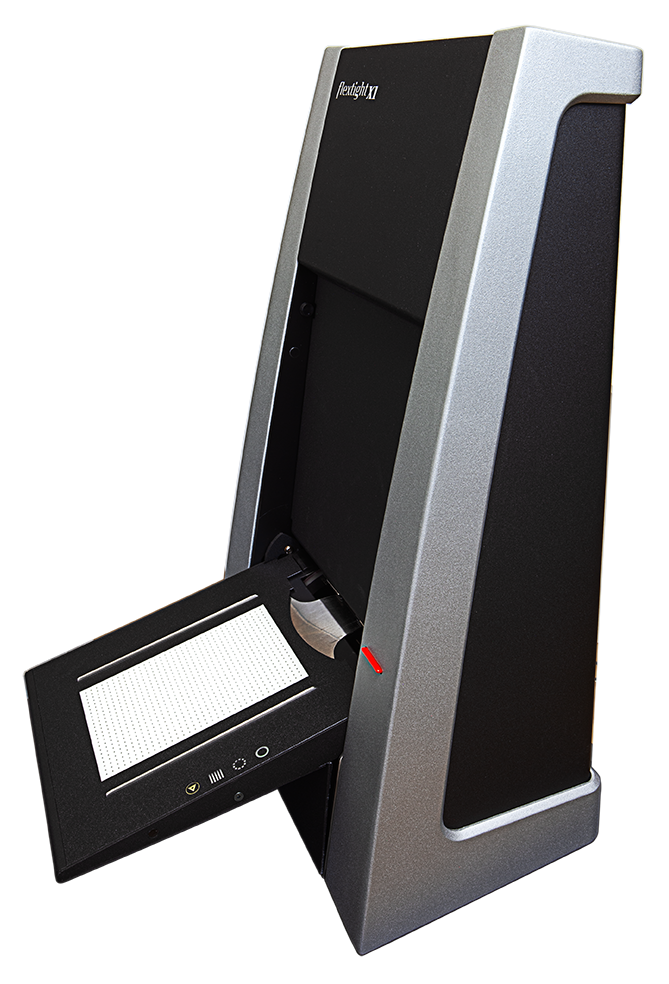
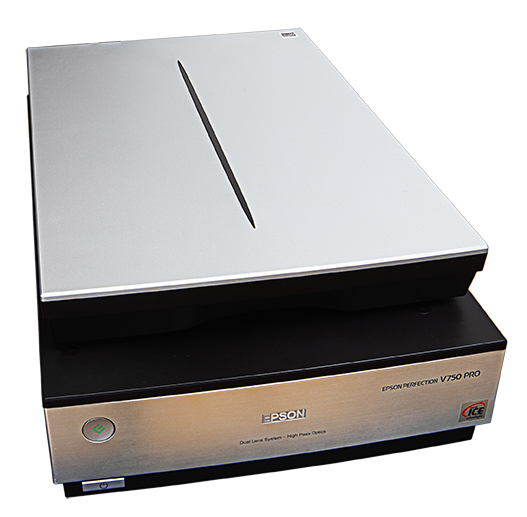
The required print file may be easy or difficult to achieve depending on the original. The scanner matters because it determines how much useful information can be extracted before the file is prepared for print.
Related articles
Further reading on preparation and scanning decisions
Explore related guides and comparisons to better understand preparation, scanner choice and output planning for high-quality digitisation.

Preparing a file for print?

Tell us the original format, the intended print size and the planned print workflow, and we can recommend the scan resolution and the most suitable capture path before work begins.
 
  • Print size
  • Printer brand or print lab
  • Paper type
  • Original format
  • Intended viewing conditions