Guide

Preparing Film for High-Resolution Scanning

High-resolution scanning begins before the film reaches the scanner. Sleeve condition, dust, curl, labelling and handling all affect both the safety of the original and the quality of the final file. Careful preparation helps reduce unnecessary risk, avoid delays and improve the consistency of the scan.

A practical guide to checking film before scanning, especially when the original is fragile, valuable or intended for critical output.

7 min read
Updated 2026
Scan Hub Lab

In this article
  • Good scanning starts with careful preparation of the original.
  • Dust, curl, damaged sleeves and poor labelling can all affect the workflow.
  • Fragile or valuable film should be handled as little as possible before scanning.
  • The condition of the film helps determine the most suitable scanner and handling path.
  • A short review before shipment often prevents avoidable problems later.

single_article_page_hero_section_image_alt
Before scanning
Preparation begins before the film is removed from its sleeve


For high-resolution scanning, the physical condition of the film matters almost as much as the scanner itself. A well-preserved original is easier to handle safely, easier to inspect accurately and more likely to produce a clean and consistent result.
This is especially important with valuable, fragile or ageing film. In such cases, preparation is not a separate administrative step. It is part of the scanning workflow.

Before any scan begins, it is useful to review:


  • the type of film,
  • its physical condition,
  • how it is sleeved or stored,
  • whether it shows curl, dust or handling marks,
  • and what kind of output is expected from the final file.
  • Only after that can the most suitable capture path be chosen.
Film condition
Check the physical state of the original first

 
Before scanning, film should be inspected for the kinds of issues that influence both image quality and handling safety.
 

These commonly include:


Some of these issues affect only the appearance of the image. Others may influence how safely the film can be mounted, transported or scanned.
 

A simple visual review in good light is often enough to identify whether the material is straightforward, delicate or potentially risky.

Sleeves and storage
The sleeve can help or create problems

Old sleeves often tell you a great deal about the handling history of the film. Clean, stable sleeves usually make preparation easier. Damaged, dirty or deteriorating sleeves often increase the risk of contamination and handling marks.

Before scanning, it is worth checking whether the sleeves are:

If the film sticks to the sleeve, catches at the edges or shows signs of static attraction, it should be handled more cautiously. In some cases, the sleeve itself becomes part of the risk assessment.

Where possible, originals should remain in stable protective storage until they are actually needed for scanning.

Dust and contamination
Dust control starts before capture

High-resolution scanning reveals not only image detail but also surface contamination. Dust that may seem minor during casual viewing can become highly visible once the file is enlarged for retouching or print.

For this reason, it is better to prevent contamination than to rely entirely on cleanup later.

Useful precautions include:

Not every original should be cleaned in the same way. Fragile film, older emulsions and valuable materials should not be treated aggressively. In many cases, minimal intervention and careful handling are safer than over-cleaning.

Handling
Touch less, organise more
 
Many problems arise not from scanning itself but from repeated casual handling before the scan ever begins.
 
A better approach is to reduce contact and increase clarity:
 
  • identify the film before removing it,
  • organise the sequence of scanning in advance,
  • keep notes outside the sleeves rather than on temporary scraps,
  • and avoid repeated sorting of the same strips.
 
Handling should always be deliberate. If the film is important enough to justify high-resolution scanning, it is important enough to avoid unnecessary contact.
Identification
Clear labelling saves time and reduces risk
 
Good labelling helps prevent confusion, unnecessary handling and avoidable delays. This becomes especially important when clients are sending multiple strips, different formats or material intended for different outputs.


It is helpful to identify:


If there are priority images, that should be stated clearly before work begins. A simple and consistent naming structure often improves the entire process, from intake to final file delivery.
Film shape
Curl and flatness affect scan stability


Curled or uneven film can complicate scanning, especially where consistent focus and stable handling matter. Some workflows tolerate film shape issues better than others, but severe curl or deformation still affects preparation.


This is one reason why scanner choice should follow the condition of the original rather than being treated as purely a quality ranking. A technically stronger scanner is not always the right choice if the handling path is less suitable for the material.


When the film is flat, stable and well preserved, scanning is usually more straightforward. When it is curled, brittle or irregular, the workflow may need to be adjusted to protect both the original and the result.
Expectations
Know what the scan is for before scanning begins


Preparation is easier when the intended use of the file is already clear. A scan intended for archive, publication, print, restoration or comparison may require different priorities.
 
It is useful to define in advance:


Practical review
What to check before sending film for scanning


Before shipment or intake, a short review helps reduce uncertainty and avoid unnecessary back-and-forth.


Checklist:


  • Is the film clearly identified?
  • Is the format known?
  • Are the sleeves stable and clean?
  • Is there visible dust or contamination?
  • Is there curl, brittleness or physical damage?
  • Are any frames especially important?
  • Is the final use of the scan already defined?
  • Is there any special handling concern that should be noted in advance?
Quick guide
Preparation priorities at a glance

Situation                                     Main concern                                      Recommended approach

Clean, stable film in good sleeves            Efficient intake and reliable scanning            Keep handling minimal and maintain clear labelling
 
Dusty film with otherwise stable condition    Visible contamination in high-resolution files    Use careful dust control and avoid repeated handling
 
Curled or warped film                         Stability during capture                          Review scanner choice and handling path before scanning
 
Fragile, brittle or ageing film               Safety of the original                            Use the least disruptive handling path and plan the workflow in advance
 
Mixed batches with different formats          Organisational error and repeated handling        Label clearly and separate by format or priority
 
Important note
Do not over-prepare valuable film
 
Preparation should improve safety and clarity, not introduce new risk. It is often better to leave a delicate original in stable condition than to attempt unnecessary cleaning or repeated inspection before scanning.
 
When film is valuable, rare or physically uncertain, the safest path is usually:
 
  • minimal handling,
  • clear communication,
  • and scanner selection based on condition as well as output needs.
Before you order
Common questions before sending film for scanning
 

Question:
Should I clean the film myself before sending it?
Answer:
Only if you are confident that the material is stable and you know how to handle it safely. With fragile, valuable or older film, minimal intervention is often safer than aggressive cleaning.


Question:
Do I need to remove the film from the sleeves first?
Answer:
Usually no. In most cases it is better to keep the film in stable protective sleeves until scanning begins.


Question:
What is most useful for you to know in advance?
Answer:
The format, the number of originals, the intended use of the scan and any concerns about fragility, dust, curl or damage.


Question:
Can film condition affect which scanner should be used?
Answer:
Yes. The best scanner is not chosen by resolution alone. Film condition, flatness, density and handling requirements can all influence the right workflow.


How we work
Preparation is part of the scanning workflow


At Scan Hub, film preparation is treated as part of the scanning process itself. We review the original, its condition, format and intended use before deciding how it should be handled and which scanner path is most suitable.


This helps create a workflow that is:


Related equipment
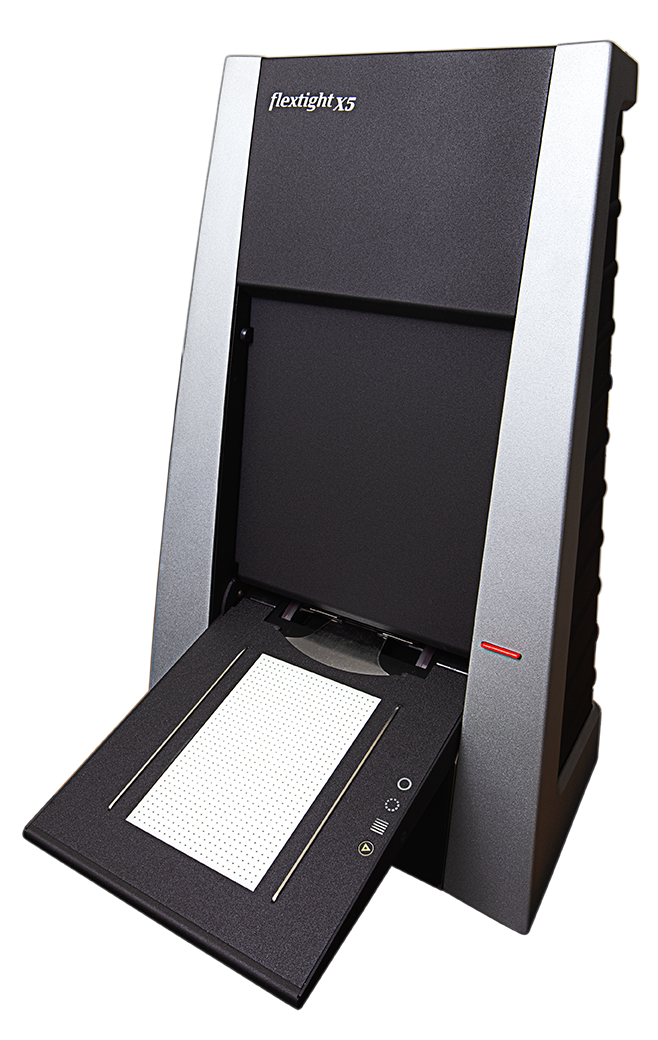
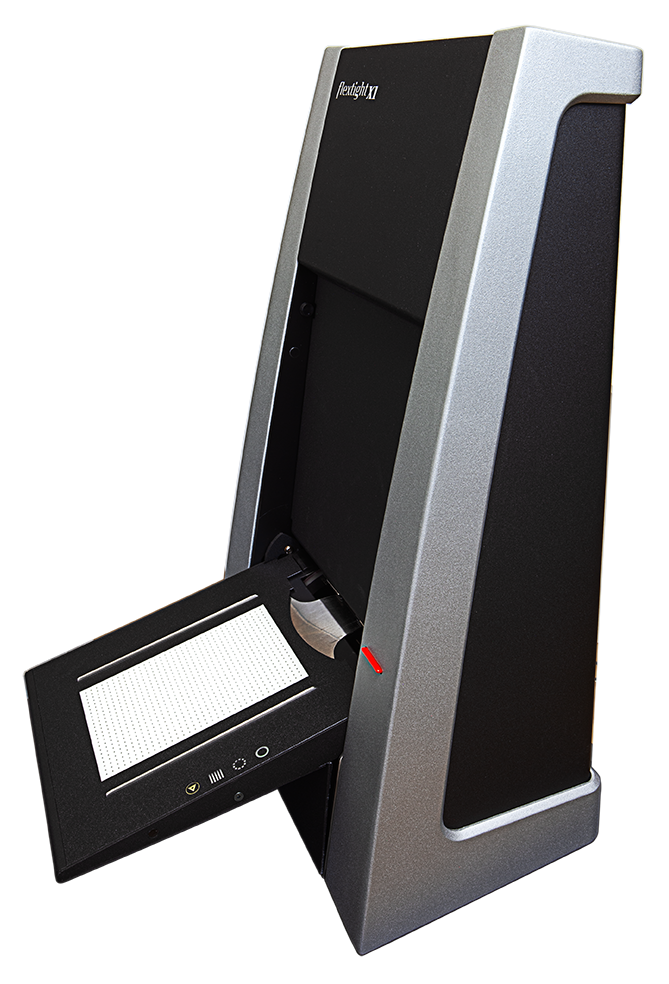
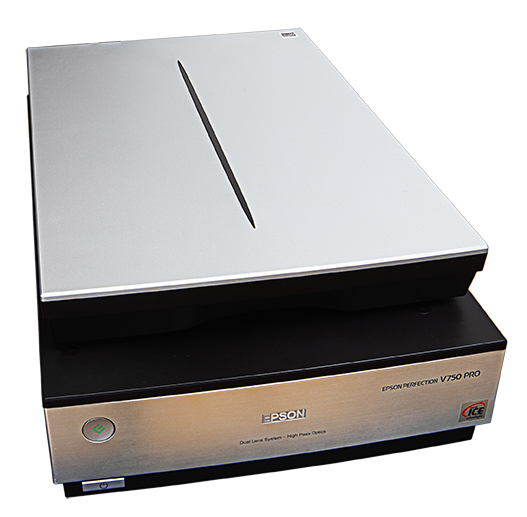
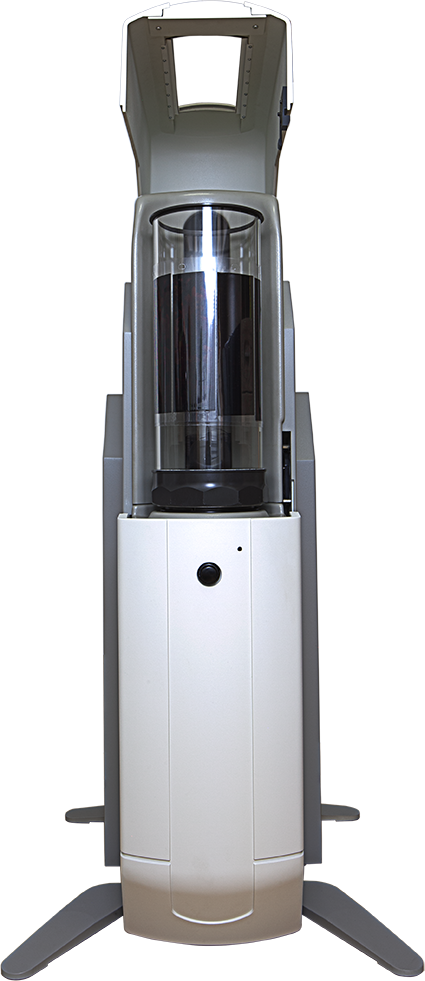
Different film condition and output goals may require different scanning paths
Not every film original should be handled in the same way. The scanner and workflow should be matched to both the condition of the material and the intended output.
Related articles
Further reading on scan preparation and workflow decisions
Explore related guides on resolution, scanner choice and film condition to plan a safer and more effective scanning workflow before the original reaches the scanner.

Not sure how your film should be prepared before scanning?

 
Tell us the film format, condition and intended use, and we can recommend the most suitable handling and scanning workflow before the project begins.


  • Film format
  • Number of strips or sheets
  • Sleeve condition
  • Dust, curl or damage
  • Intended use of the file